
With langify you can translate the following content:
- Theme
- Products
- Collections
- Pages
- Navigation
- Blogs
- Articles
- Metaobjects
- Metafields
- Third-party apps
- Images
- Checkout
- Notifications
- Shop policies
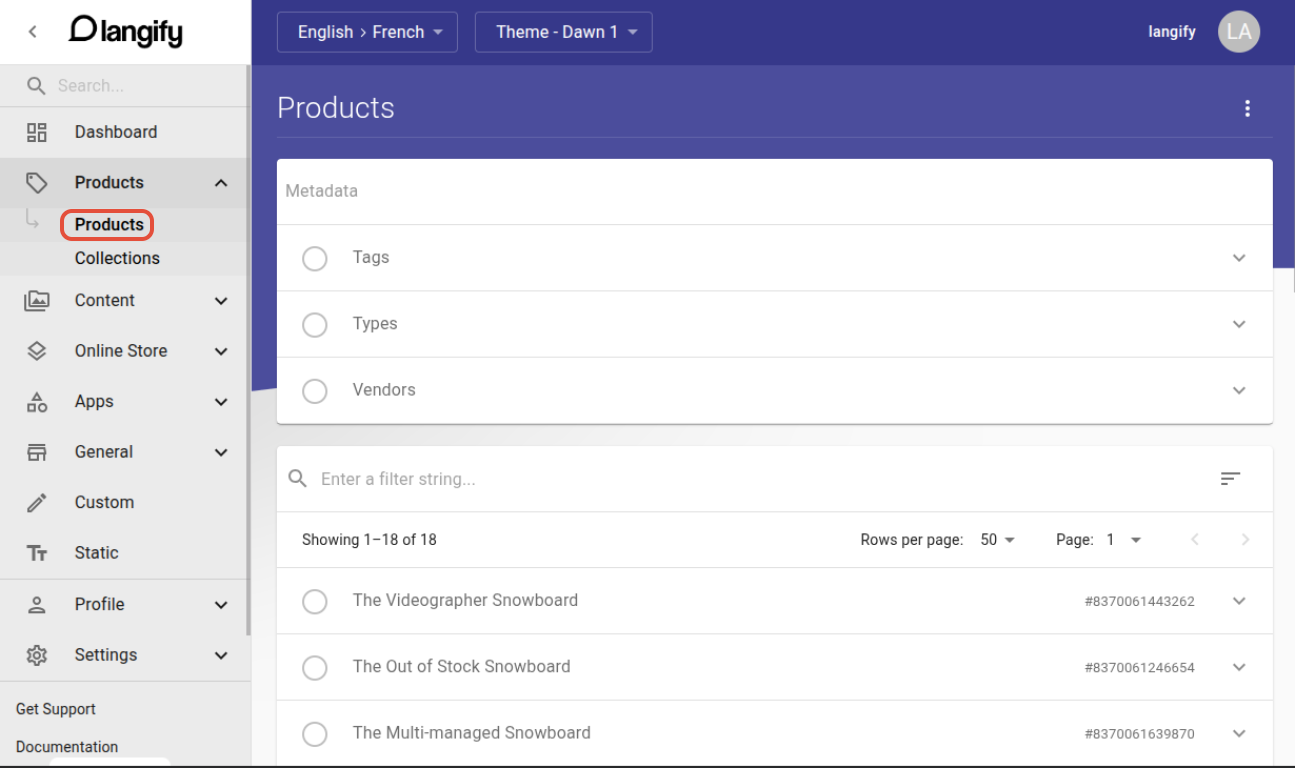
In order to translate any content, select the respective category and section on the left in your langify app:
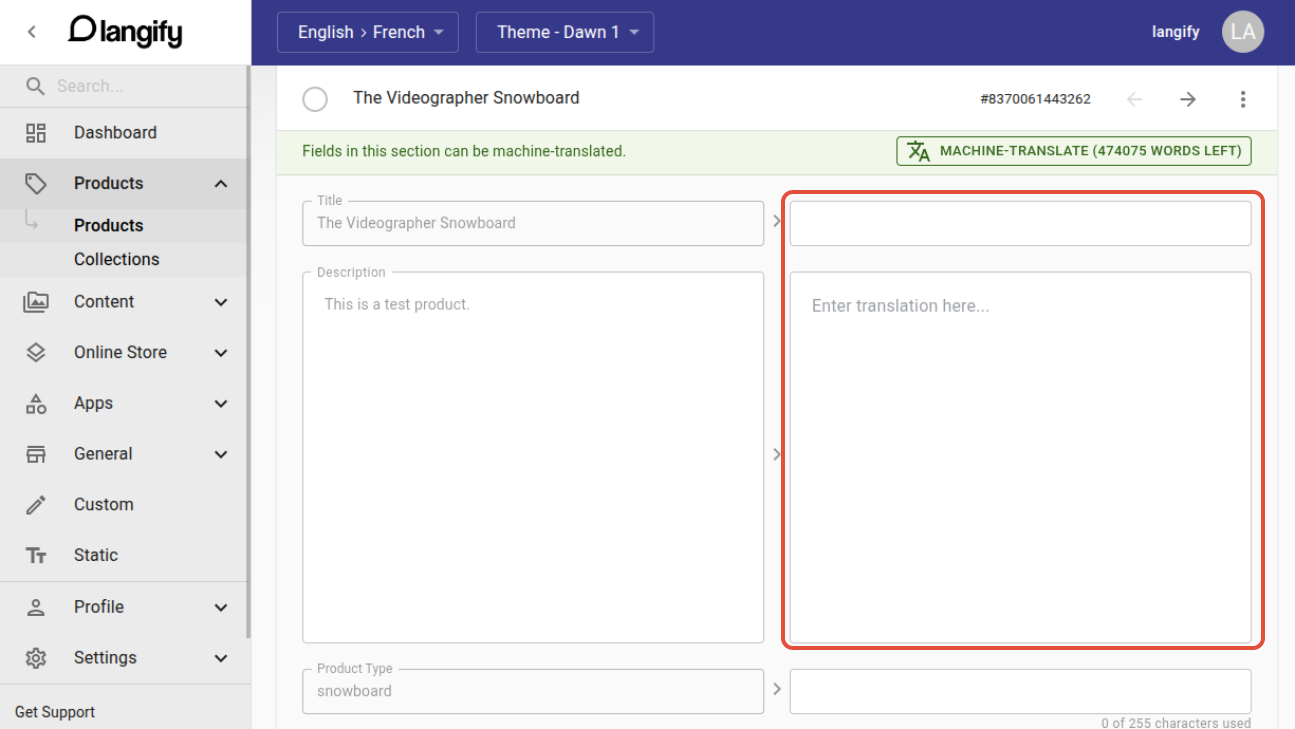
Open a specific item, like a product or page, and add your translations into the field on the right:
For information and best practices on the translation process, please check our guides Machine Translations and Manual Translations.
Search for Specific Contents
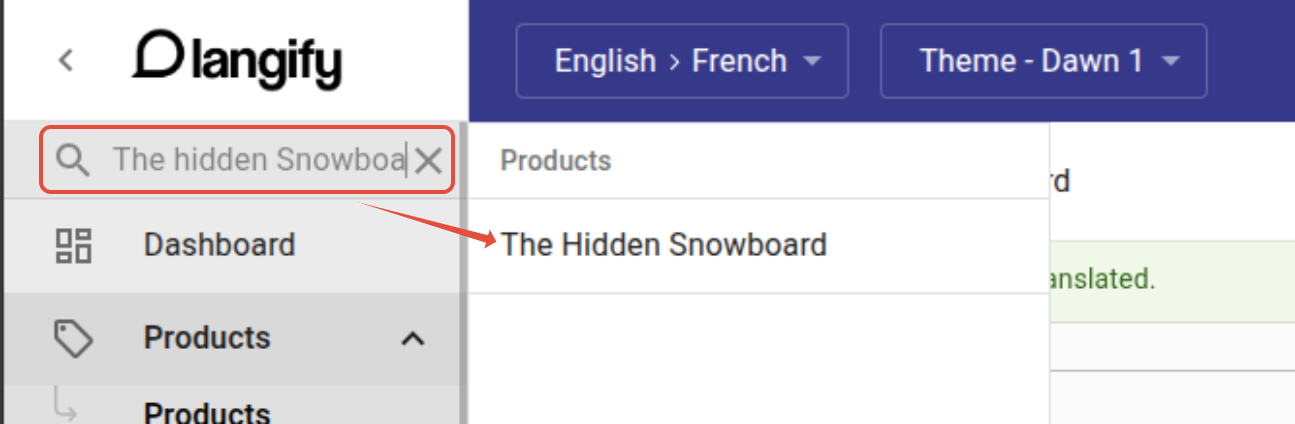
In case you want to translate a specific element, use the search bar in the top-left corner.
Simply enter the title of the item that you are looking for. After a short loading time, langify will display the result:
Custom Content Translations
If the standard translation is not applicable, you can use Custom Content. This is especially useful for the translation of third-party apps. For more detailed information on Custom Content, please have a look at our Third-Party App/Custom Content Translations guide.